The reminder app that has been on Google Play since 2011.
Set a reminder once and it comes back on schedule, even for patterns like “every 2nd Tuesday” or “the last Friday of the month”. You don't need an account, it works offline, and it is now on iPhone too.
Three things to know
Battery settings matter
Many Android phones put apps to sleep to save battery, and an app that is asleep can't remind you. Exclude Life Reminders from battery optimization once and your reminders go off on time. The help center has the steps for each phone brand.
Works without an account or a connection
Your reminders are saved on your phone, so they go off even in airplane mode. If you use a second device, you can turn on sync.
Repeats for real schedules
For example every Monday and Thursday, the last Friday of the month, or every 3 months counted from the day you actually did it. A repeat can stop on a date or after a set number of times.
What you can be reminded of
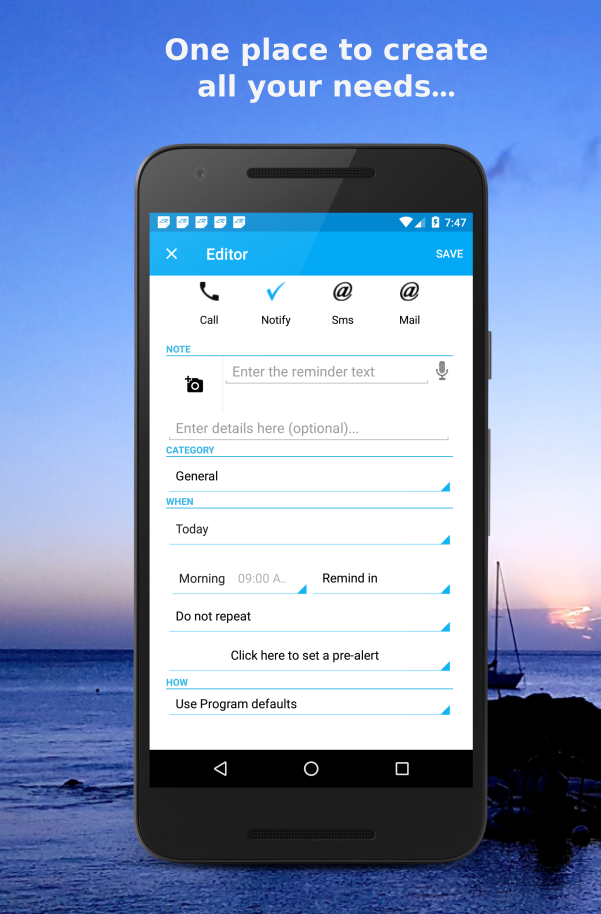
- Tasks
- Chores, bills, appointments, anything with a date.
- Calls
- Pick a contact and call straight from the reminder.
- Text messages
- A message is prepared for you; you press send.
- Places
- Get reminded when you arrive near a place. Android only.
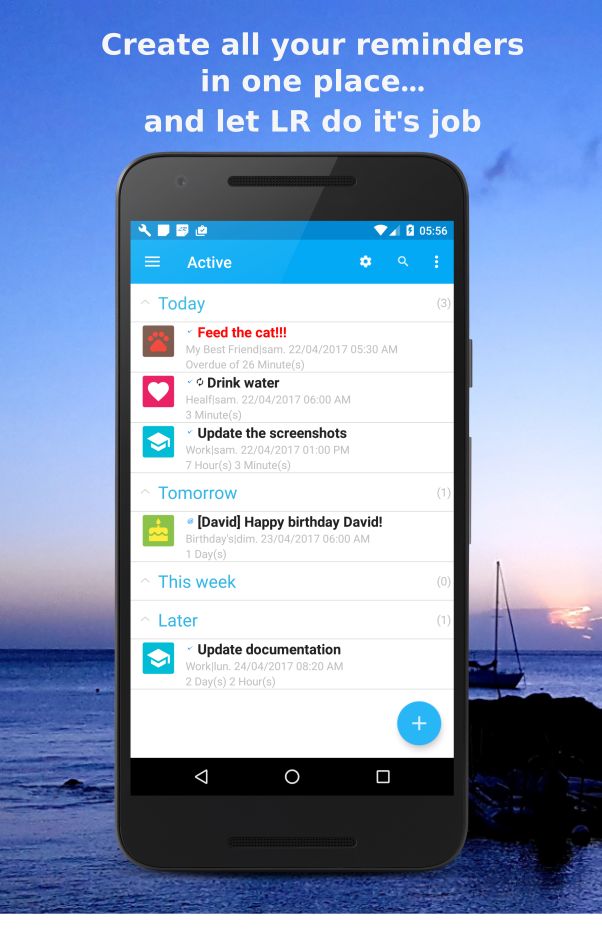
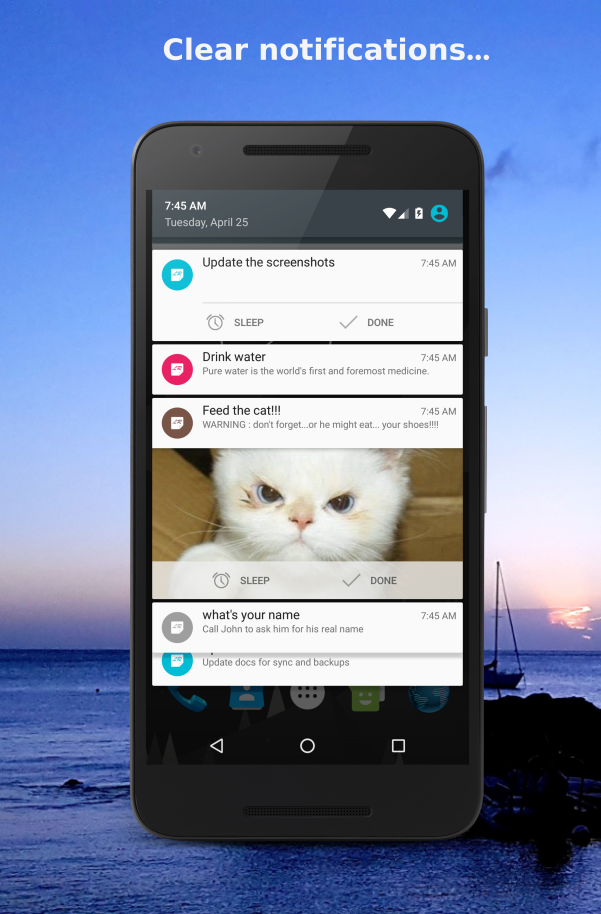
What it looks like
Frequently asked questions
- Is Life Reminders free?
- Yes, on Android and iPhone, with ads. Premium is bought inside the app and removes the ads. On iPhone it also adds widgets, advanced repeats (time range, until a date, from dismissal) and more customization. Sync between devices is free.
- Does it work offline?
- Yes. Reminders are saved on your phone and go off without a connection. Only sync and backups need internet.
- Can I sync across devices?
- Yes. Turn on sync in the app and your reminders stay the same on each device. Sync is free.
- What can I use it for?
- Bills, birthdays, medication, calls to make, things to buy, car servicing: anything that has a date or comes back on a schedule.
I started Life Reminders in 2011 and I still build and maintain it myself. If something doesn't work, the help center is usually the fastest way to an answer.
Get Life Reminders
Free on Google Play and the App Store, with ads. No account needed.